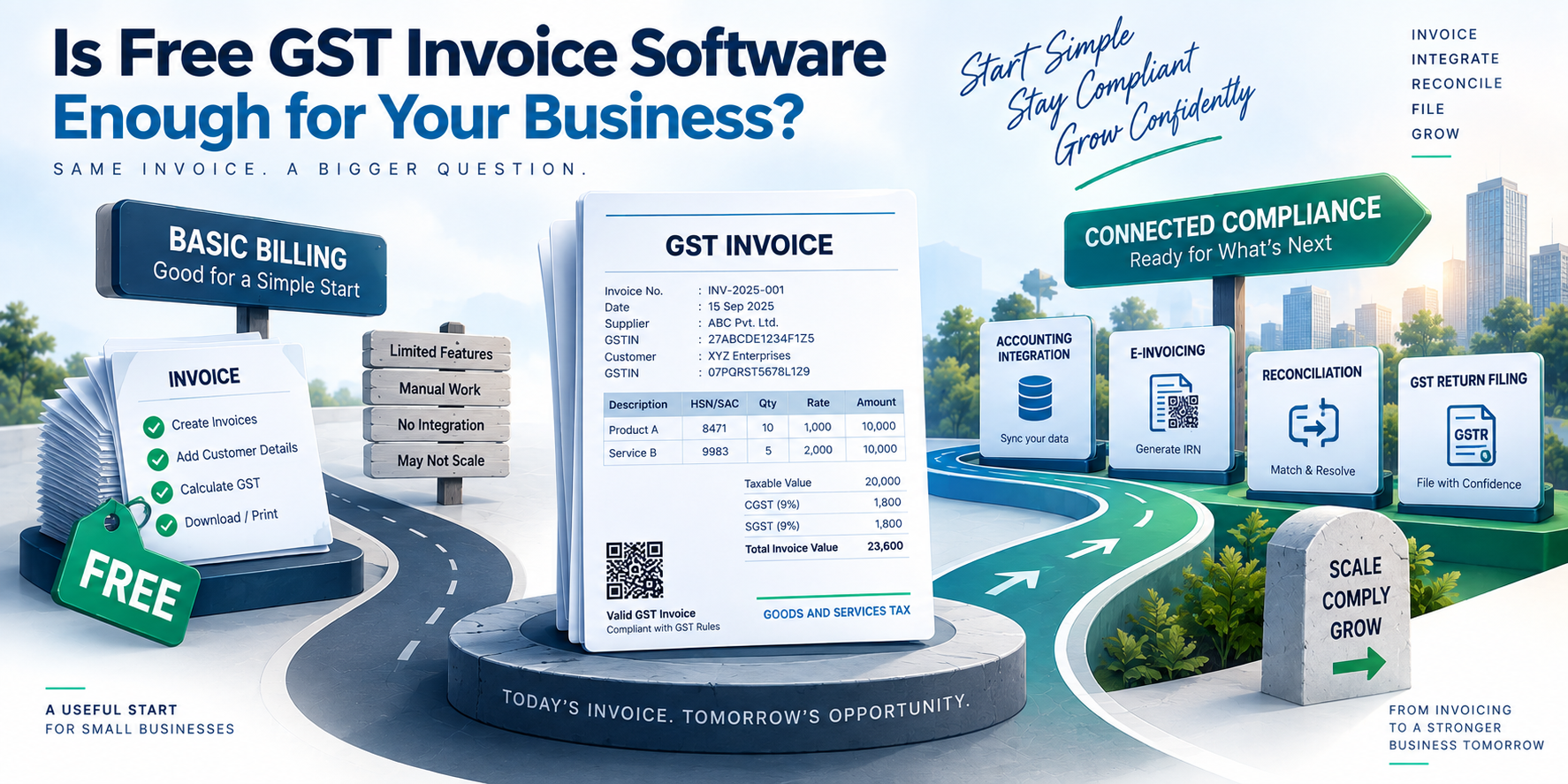

Free GST Billing Software: Building a Reliable Invoice Workflow
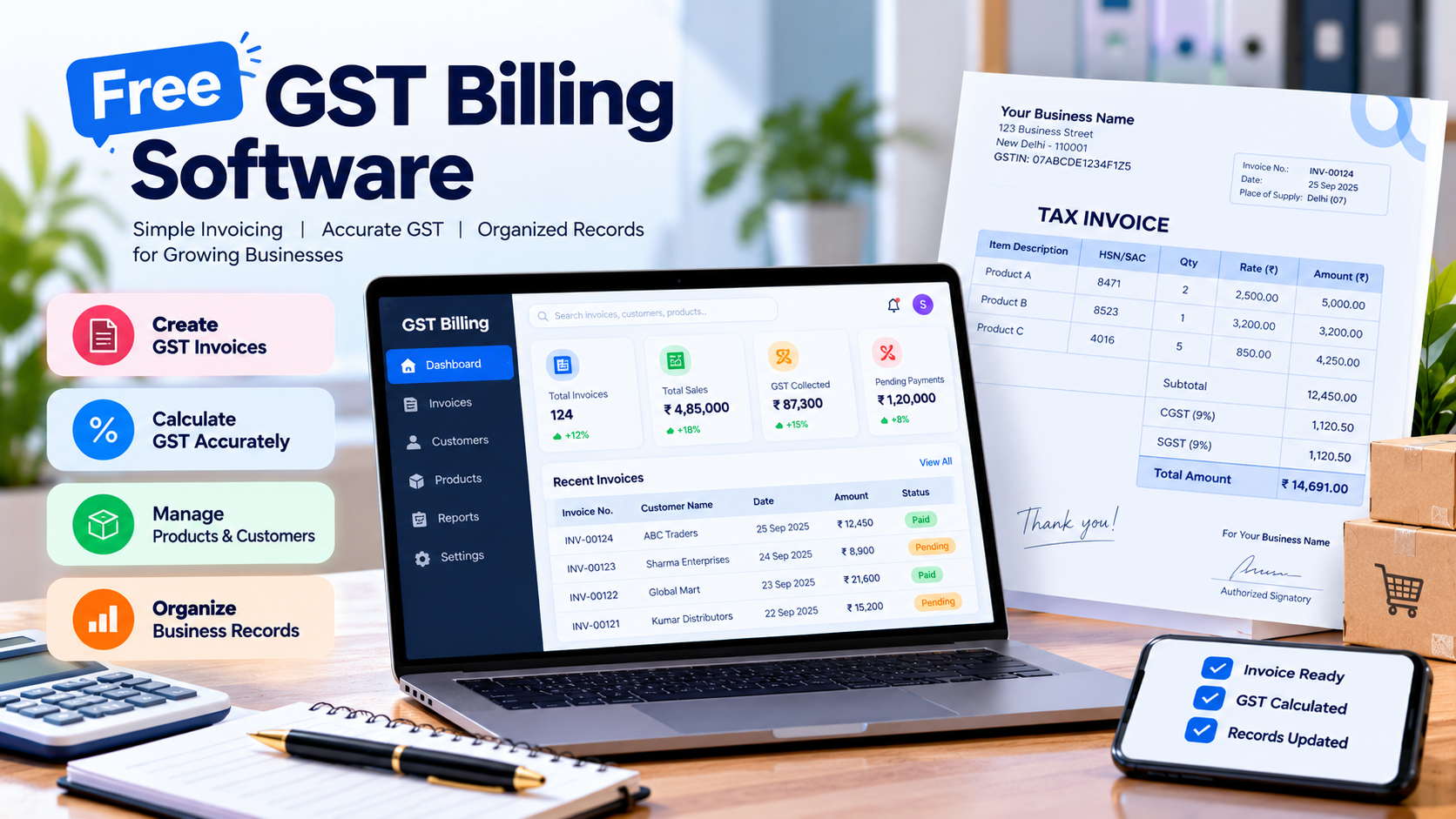
A billing system does more than generate invoices. It collects transaction details, calculates taxes, stores customer information, and creates records that may later be used for accounting and GST return preparation.
For developers building billing applications, the challenge is keeping these operations consistent. A missing invoice number, an incorrect tax rate, or a rounding difference can create problems that extend beyond a single transaction.
Businesses exploring free GST billing software should therefore look beyond invoice generation and consider how the software handles data validation, calculations, and record management.
This article explores the core components of a reliable GST billing workflow and the technical checks that help keep invoice data consistent.
- Start With Structured Invoice Data
A common mistake in billing applications is treating an invoice as a formatted document rather than structured business data.
An invoice should have a defined set of fields, including an invoice number, date, customer details, line items, taxable values, tax amounts, and the final total.
Each line item should also contain information such as its description, quantity, unit price, and applicable tax treatment.
Keeping these fields structured makes it easier to validate transactions, store them in a database, and generate reports without extracting information from a document later.
For example, a simple invoice object in TypeScript might look like this:
type InvoiceItem = { description: string; quantity: number; unitPricePaise: number; gstRate: number; };
type Invoice = { invoiceNumber: string; invoiceDate: string; items: InvoiceItem[]; };
This is only a basic data model. A production system would need additional fields and validation based on its business requirements.
- Validate Data Before Generating an Invoice
Invoice validation should happen before the application saves or finalizes a transaction.
Some checks are straightforward. The invoice number should not be empty, quantities should be valid, and required customer details should be present. The application should also prevent duplicate invoice identifiers within the relevant business context.
A simple validation function can catch basic input errors:
function validateItem(item: InvoiceItem): string[] { const errors: string[] = [];
if (!item.description.trim()) { errors.push("Item description is required"); }
if (!Number.isInteger(item.quantity) || item.quantity <= 0) { errors.push("Quantity must be a positive integer"); }
if ( !Number.isInteger(item.unitPricePaise) || item.unitPricePaise < 0 ) { errors.push("Unit price is invalid"); }
if (!Number.isFinite(item.gstRate) || item.gstRate < 0) { errors.push("GST rate is invalid"); }
return errors; }
These checks validate the input's basic structure. They do not establish whether a particular GST rate is legally applicable. That decision requires the correct product or service classification and relevant tax rules.
Keeping input validation separate from tax determination makes the application easier to maintain and test.
- Handle Money and Tax Calculations Carefully
Financial calculations require consistent precision. Using ordinary floating-point arithmetic for monetary values can introduce small rounding differences.
One common approach is to represent money as integer paise and convert it to rupees only when displaying the result.
For a simple taxable line item, the calculation can be expressed as:
const taxablePaise = quantity * unitPricePaise;
const taxPaise = Math.round( taxablePaise * gstRate / 100 );
const totalPaise = taxablePaise + taxPaise;
For example, a taxable value of ₹1,000 at an assumed GST rate of 18% produces ₹180 in tax, making the total ₹1,180.
This example demonstrates the arithmetic only. A real billing system must determine the applicable rate and tax treatment separately. It should also define a consistent rounding policy and account for discounts, adjustments, and other transaction-specific requirements.
- Prevent Duplicate and Inconsistent Records
Duplicate invoices can cause problems when users retry an operation, a network request times out, or the same transaction is submitted more than once.
A billing application should have a clear strategy for handling repeated requests. Depending on the architecture, this may involve database constraints, transaction management, or idempotency keys for API operations.
The goal is to ensure that retrying a request does not unintentionally create another invoice for the same transaction.
Updates also need care. If an invoice is changed after its initial creation, the application should preserve an appropriate record of the change. This makes it easier to understand what changed and why, especially when invoice data is used by other systems.
- Connect Billing Data With Accounting and GST Filing
Invoice creation is only one stage in the wider workflow. Transaction records may also feed accounting software, inventory systems, and GST return preparation.
When these systems store the same information in different formats, inconsistencies can develop. For example, an invoice may contain one taxable value while an exported accounting record contains another.
A reliable integration should define which system owns each piece of data, how records are identified, and how failed transfers are handled.
It should also support reconciliation. Comparing invoice records with accounting entries and return summaries can help identify missing transactions, duplicate entries, or differences in reported values.
Businesses evaluating ERP-integrated GST filing software should consider how billing information moves through these stages and what validation is available before filing.
Integration can reduce repeated data entry, but it does not remove the need to review the underlying records.
- What to Check in a Free Billing Tool
A free billing tool may be sufficient for a business with straightforward invoicing needs. However, the usefulness of a free plan depends on its actual capabilities and restrictions.
Before choosing one, check whether it supports the required invoice fields, appropriate tax settings, searchable records, and data exports.
For a growing business, it is also worth checking invoice limits, user restrictions, backup options, and whether records can be transferred if the business changes platforms.
From a technical perspective, reliable data storage and a clear export process can be just as important as the invoice template. A visually polished invoice is of limited use if the underlying transaction data cannot be retrieved or reconciled.
Conclusion
Reliable GST billing depends on more than generating a document. It requires structured data, input validation, consistent monetary calculations, duplicate prevention, and a clear process for sharing records with accounting and filing systems.
Free GST billing software can be a practical starting point, provided its capabilities match the business's needs. For developers, the broader lesson is to treat invoice data as part of a transaction workflow, with validation and traceability built in from the beginning.
Short FAQs
Is free GST billing software suitable for small businesses?
It can be suitable when the available features support the business's invoicing, recordkeeping, and data export requirements.
Why validate an invoice before saving it?
Validation helps catch missing fields, invalid values, and duplicate identifiers before they create problems in downstream records.
Does billing software guarantee accurate GST filing?
No. It can organize data and perform calculations, but correct classification, tax treatment, and return review are still necessary.